Select iPhone/iPod touch in the source list in iTunes panel
By Anonymous
May 27, 2021
Updated May 27, 2021
By Anonymous
May 27, 2021
Updated May 27, 2021
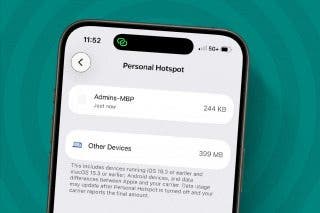
After you connect your device to your computer, iTunes should pop up on your computer automatically. If it doesn’t, you should launch it. Once opened, it should display your iPhone in the Devices list in the left-hand panel. If it doesn’t, check your connection. If that doesn’t work, restart the computer.
Related topics
Related Articles

 Donna Schill
 Rhett Intriago
Apps
Quick Launch a Selfie with a Shortcut You Didn't Know Exists
Amy Spitzfaden Both
• Jul 20, 2026 Amy Spitzfaden Both
Apple Apps
How to Use Your Apple Watch Workout Buddy (watchOS 26)
Amy Spitzfaden Both
• Oct 02, 2025
 Olena Kagui
 Susan Misuraca